
You ever buy something pricey, then see it cheaper the next day? It feels awful, like you missed the deal by minutes.
In 2026, that sting hits harder. Costs stay high, and many shoppers say prices may get worse soon. Inflation has climbed about 26% since 2019, so a “good enough” price can turn into a real regret.
The good news: price comparison makes it much easier to shop with your eyes open. Instead of trusting the first listing you see, you can check other stores, review past prices, and confirm what you’re really paying after shipping and taxes.
This guide shows you how to compare prices the simple way. You’ll learn where to compare (websites and apps), how to do it step-by-step, and what traps to avoid. By the end, you’ll have an easy plan you can use for your next purchase, whether it’s electronics, clothes, or everyday groceries.
Why Comparing Prices Leads to Smarter, Cheaper Buys
Price comparisons do more than help you find the lowest number. They help you find the lowest real cost. That matters, because “cheap” can disappear fast once shipping, taxes, returns, or add-on fees show up.
First, price checking helps you spot fake deals. Sometimes a store “slashes” a price that was never that high to begin with. Other times, a sale tag hides a coupon you didn’t notice. When you compare, you see the bigger picture.
Second, comparing helps you avoid impulse buys. Your brain loves a quick win. You see a deal, you grab it, then you move on. But price comparison slows you down just enough to ask, “Is this actually the best offer?”
Third, it can reduce buyer anxiety. When you see the price range across stores, you feel more in control. Even better, price history can show whether a current price looks normal or unusually low.
Here’s what you get when you compare prices:
- More accurate deal checks by viewing multiple retailers at once
- Fewer regretted purchases because you confirm the total cost
- Better timing with price history and drop alerts
- More confidence that you didn’t miss something better
This “winning” feeling is real. It’s like comparing gas prices before a road trip. You still need to drive, but you feel smarter about it.
For example, with electronics, the same model might be cheaper at one store, but another store has better return terms. With clothes, sizes sell out, yet some sites run bigger sales on specific brands. With groceries, you might find the best unit price after you compare pack sizes.
Online shopping keeps growing in the US, so more shoppers use tools to check prices quickly. That trend matters because your budget is already under pressure. When personal savings rates are low and many people can’t handle an emergency easily, every overspend hurts.
The biggest win isn’t “finding any deal.” It’s finding the best deal for that exact item.
If you want background on how these tools work, see comparison shopping engines and benefits.
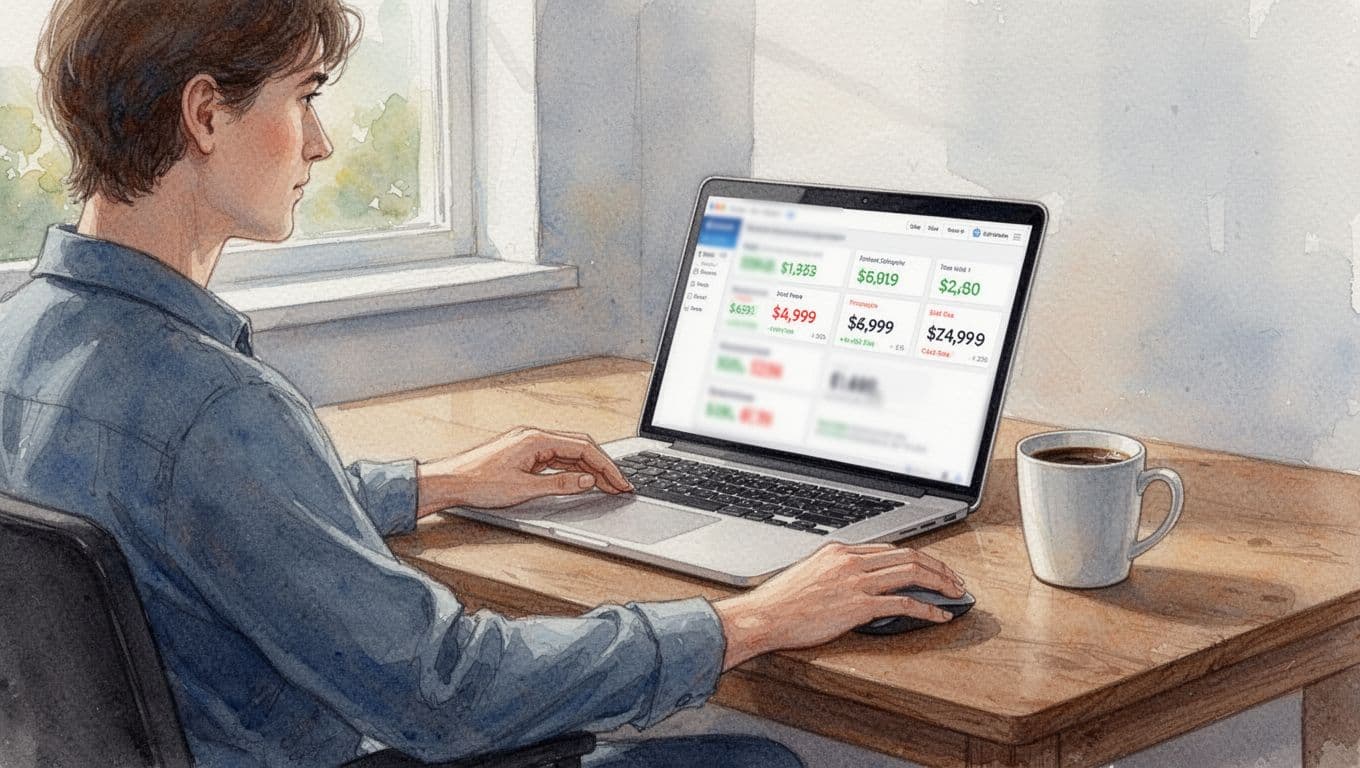
Top Websites to Quickly Find the Lowest Prices Anywhere
Start with a simple goal: compare the same item across multiple stores. That’s it. Don’t compare “close enough.” Compare the exact model, size, or version.
You’ll see dozens of sites, but you don’t need them all. These are commonly used options that make comparison faster:
| Website | Best for | What to do fast |
|---|---|---|
| Google Shopping | Wide product search | Search the exact item, then filter |
| CamelCamelCamel | Amazon price history | Check past price ranges |
| Shopzilla | Lots of brand listings | Compare across retailers |
| PriceGrabber | Electronics shopping | Sort and compare sellers |
| Price.com | Deals and rewards | Look for cashback offers |
| Bizrate | Reviews and comparisons | Use category pages and deal context |
After you find a strong match, still check shipping and return policy. A slightly higher price can be cheaper in real life if shipping is free or returns are easy.
Also, watch for listings that don’t match your needs. One store might include accessories, while another listing doesn’t. That’s why model numbers and pack sizes matter.
For reviews and more shopping context, Bizrate’s price comparison and reviews can help you cross-check sellers.
Google Shopping: Start Here for Every Product Hunt
Google Shopping works like a fast “shopping wall.” It pulls results from many merchants, so you can compare prices without bouncing between tabs.
To use it well, search the exact product name and model (if there is one). Then filter by price, seller, or availability. If you need a specific brand version, don’t skip this step.
Next, open a couple of listings and confirm basics:
- Is it the right size, color, or version?
- Does it include what you think it includes?
- Do you see shipping cost at checkout?
Google Shopping is also useful when you don’t know the perfect keyword. If you type a common product term, Google often shows the exact items you’re looking for. Then you can tighten the search once you see the results.
One thing to keep in mind: some results may show sponsored listings. That’s normal. However, the key is that you’re still comparing across merchants, not trusting a single storefront.
If you only use one tool, make it Google Shopping. It’s great for discovery and quick price matching.
CamelCamelCamel: Never Miss an Amazon Price Drop
If you shop on Amazon, CamelCamelCamel is one of the most practical options. It tracks Amazon price history and helps you understand if a deal is actually low.
When you open a product page on CamelCamelCamel, you usually see a history chart and price watch options. The chart helps you answer a hard question fast: “Has this item been cheaper?”
Here’s a simple way to use it:
- Paste the Amazon product URL into CamelCamelCamel (or search within it).
- Look at the chart for the normal price range.
- Compare the current price to recent drops.
If the current price sits near the high end of the chart, it might be a weak “sale.” If it sits near the low end, you’ve likely found a stronger deal.
For the tool itself, start at Amazon price tracker and history charts. Then, if you want more options, you can also explore CamelCamelCamel tools later.
Price.com: Get Cashback While Comparing
Price.com is useful when you want comparison plus possible rewards. Instead of only chasing the lowest price, you can check whether the offer includes cashback or promo benefits.
That’s where the site can help you think in totals. A listing might not be the absolute cheapest at first glance. Yet cashback can close the gap, or even beat the cheaper offer.
To use it well, treat cashback like “real money,” but confirm the fine print. Look for:
- expiration dates
- payout rules
- whether it applies to the exact item and seller
Then compare the final checkout number. Don’t assume the cashback will always cover the difference. Still, it’s a smart way to stretch your budget when you’re buying items you already planned to purchase.
Handy Apps for Comparing Prices on the Go
Sometimes the best deal happens at the store. Or you spot a product while traveling, then you want to confirm the price before you buy.
That’s where apps help. Mobile tools let you scan or search in minutes. Also, they work better when you only have time for quick checks.
In general, you’ll want apps that let you:
- compare prices using barcode scan
- set price alerts
- search by product name fast
- save items for later
Price comparison apps also help you avoid “checkout surprises.” You can confirm whether another store’s deal is close before you pay.
If you’re in-store, use your phone like a flashlight. You’re not trying to memorize everything. You just want to verify that the shelf price matches what you’d actually pay elsewhere.
One extra tip: enable notifications. Price alerts help when you’re not in “buy today” mode. They also help you avoid chasing deals manually.
For app options that support quick barcode deals, start with BuyVia.
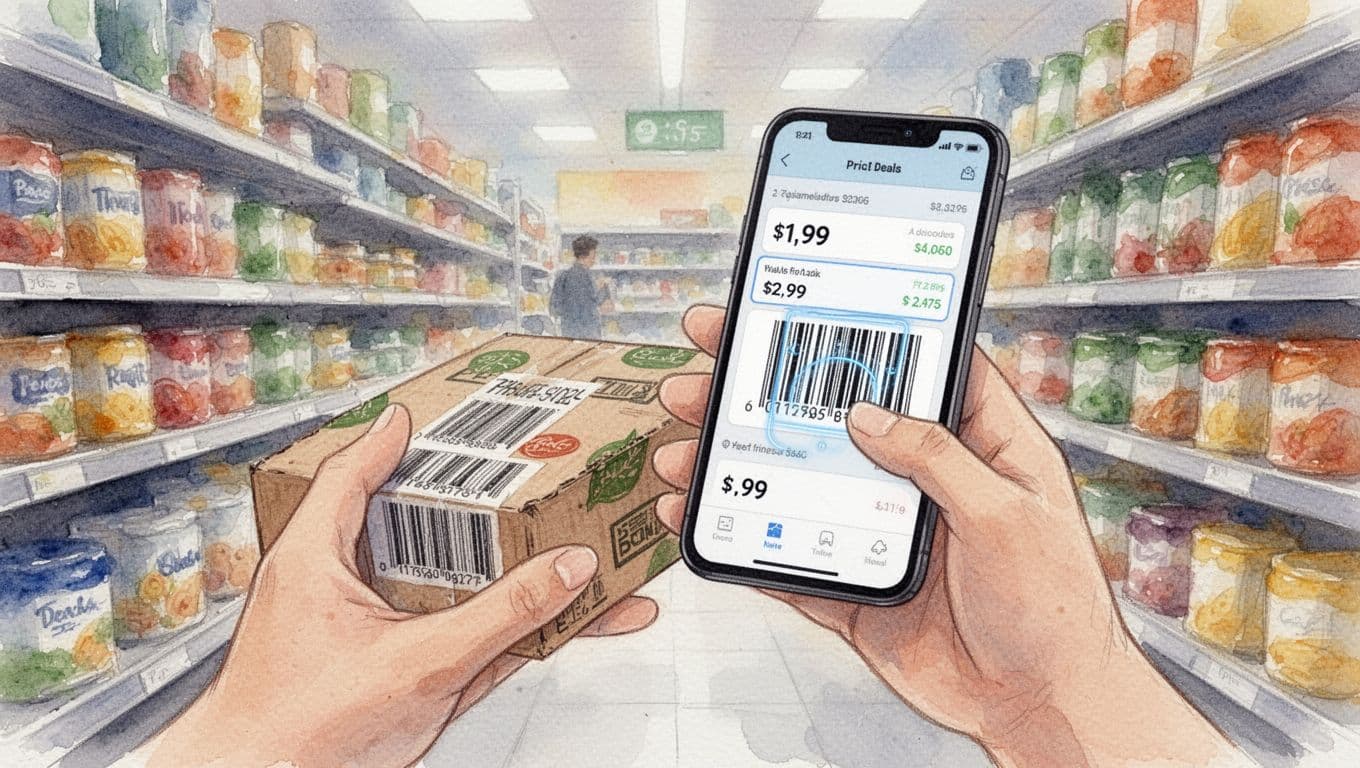
BuyVia: Scan Barcodes for Instant Store Deals
BuyVia is designed for fast comparisons. If you’re shopping in person, you scan the barcode, then the app shows pricing info from supported stores.
That matters because it cuts decision time. You don’t have to guess whether an item is cheaper online. Instead, you check in the moment, while you still have control.
To get started on iPhone, you can find it on the BuyVia price comparison app page.
In practice, it helps to scan:
- the exact product box you’re holding
- brand name items where versions differ
- common electronics accessories (like cables and chargers)
Then compare using the same rules you use on websites. Confirm shipping, confirm returns, and make sure the item matches.
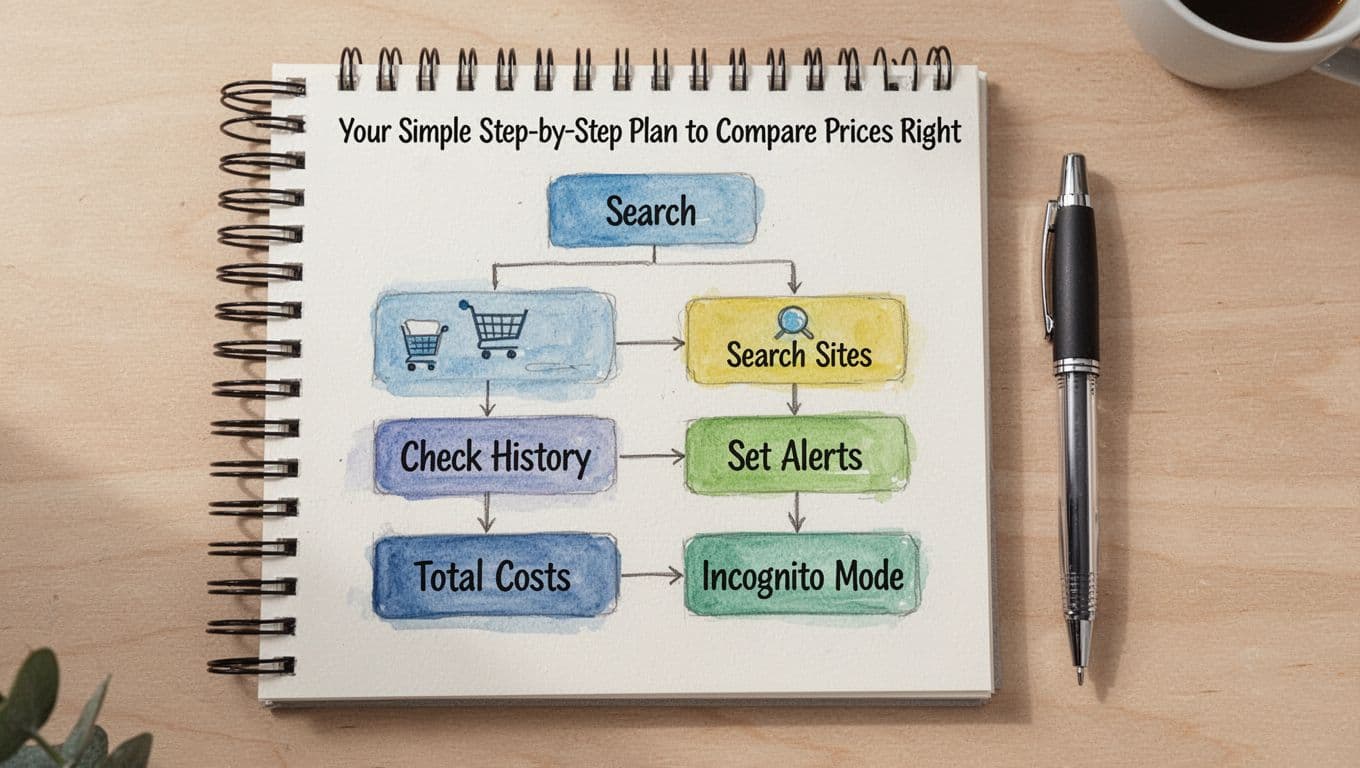
Your Simple Step-by-Step Plan to Compare Prices Right
You don’t need a complicated system. You need a repeatable process you can do in a few minutes.
Here’s a simple plan you can follow every time:
- List must-haves first. Confirm the exact model, size, and what’s included.
- Start with Google Shopping. Find the item and note the lowest prices you see.
- Check 2 to 3 other sites or apps. Don’t stop after the first match.
- Review price history for big purchases. If it’s on Amazon, check CamelCamelCamel.
- Set an alert if you’re not ready to buy. Watch for drops.
- Total the real cost. Add shipping, taxes, and any return fees.
- Use incognito for quick re-checks. This can reduce price shifts tied to browsing history.
For the “big purchase” rule, think in dollars. If it’s something you’ll notice in your bank account, history helps you avoid paying peak pricing.
Also, compare like for like. Don’t compare a refurbished item to a new one without checking condition details. If you save $30 but lose a warranty, the deal might not be worth it.
If you want inspiration on price tracking tools, Lifehacker has a roundup of best price-tracking tools. It can help you pick a few options to test.
Pitfalls to Skip So You Actually Save Money
Price comparison fails when you get careless at the final step. Here are the most common mistakes, and how to avoid them.
Pitfall 1: Ignoring shipping and taxes.
A “lowest price” can become higher after checkout. Always compare totals, not sticker prices.
Pitfall 2: Trusting the first result.
The first page can be mixed. Prices vary by merchant, stock, and promo rules. Compare at least a couple of sources.
Pitfall 3: Skipping price history for high-ticket items.
If you only check today’s price, you miss the pattern. History helps you spot true drops.
Pitfall 4: Forgetting rewards or cashback rules.
Cashback might require a minimum spend or a specific payment method. Confirm before you buy.
Pitfall 5: Not checking returns.
If the return policy is hard, you risk paying for a mistake. For many buyers, easier returns are worth a small price difference.
The best deal is the one you can return easily, if needed.
When you avoid these traps, you stop “almost saving” and start saving for real.
Conclusion: Compare Smarter, Buy Faster, Keep More Money
That moment when you find something cheaper after you buy? You can dodge it. Instead of guessing, you compare prices across stores, confirm the total cost, and (when it matters) check price history.
The most useful starting points are Google Shopping for broad comparison, CamelCamelCamel for Amazon price history, and Price.com when you want cashback while comparing.
So next time you see a deal, pause for one quick check. Use your favorite tool now, then test it on your next purchase. If you want, share what you saved in the comments.
In 2026, more shoppers use smarter alerts and easier comparisons. Once you do it a few times, price checking feels as normal as comparing gas prices.